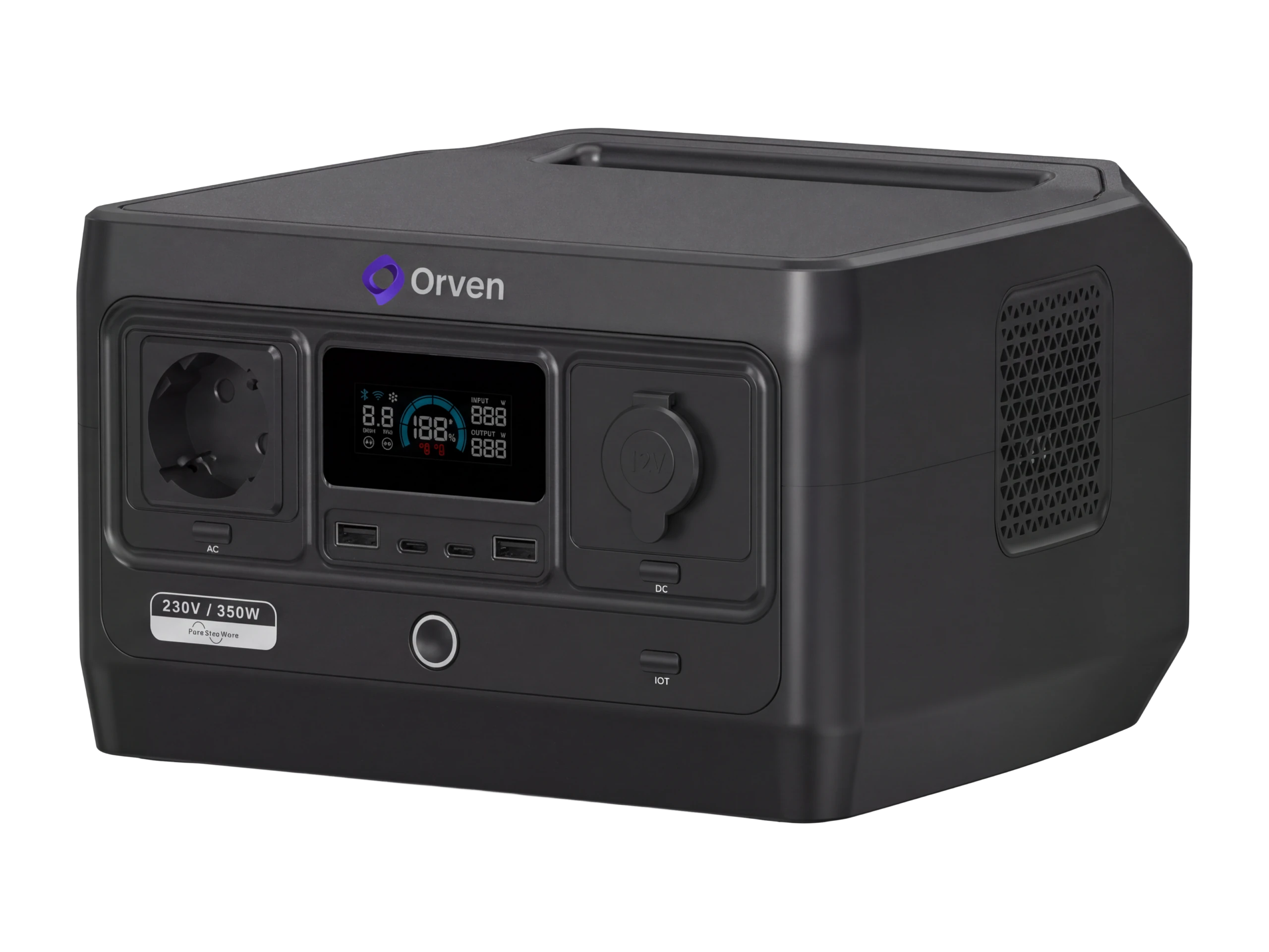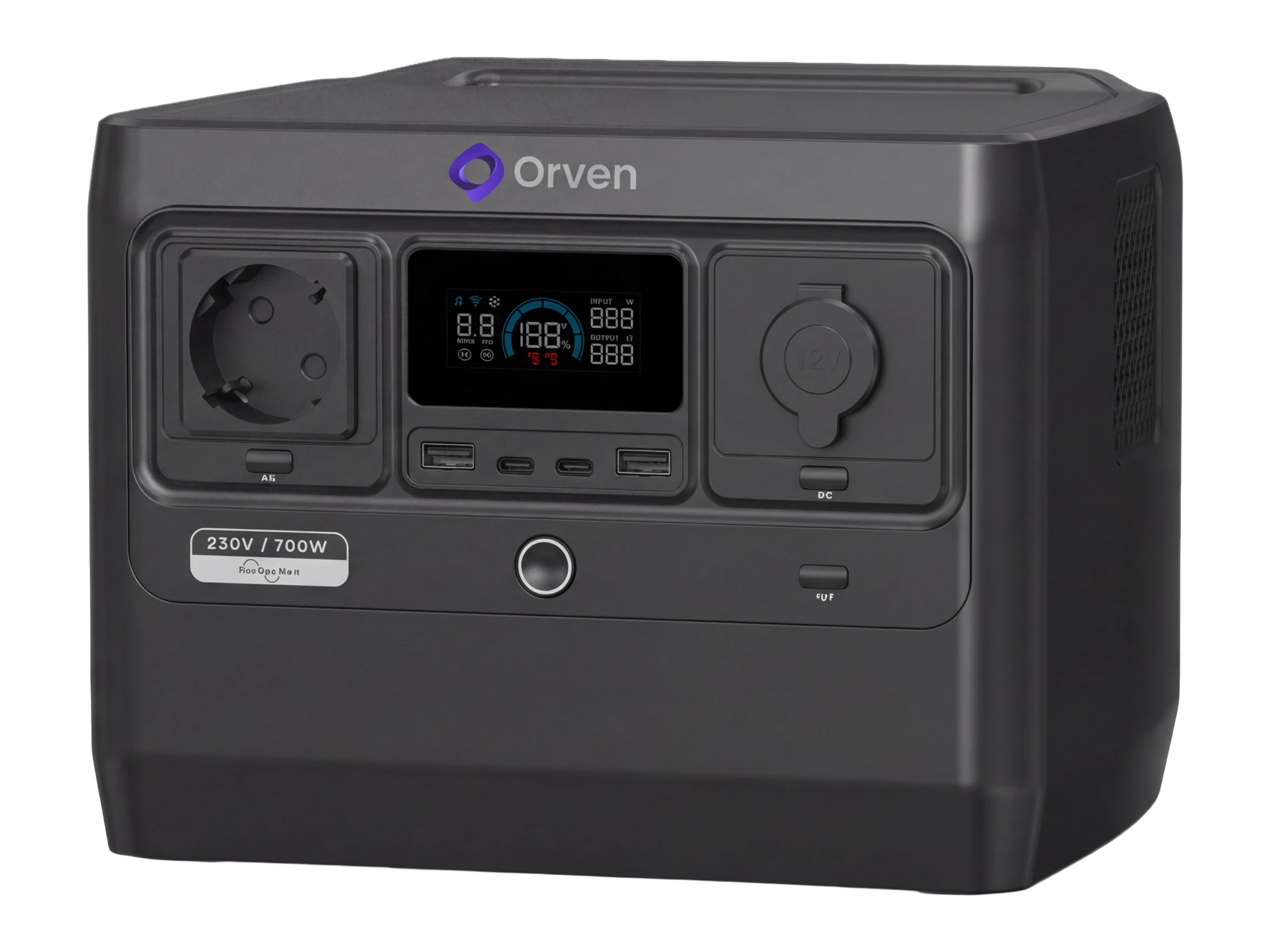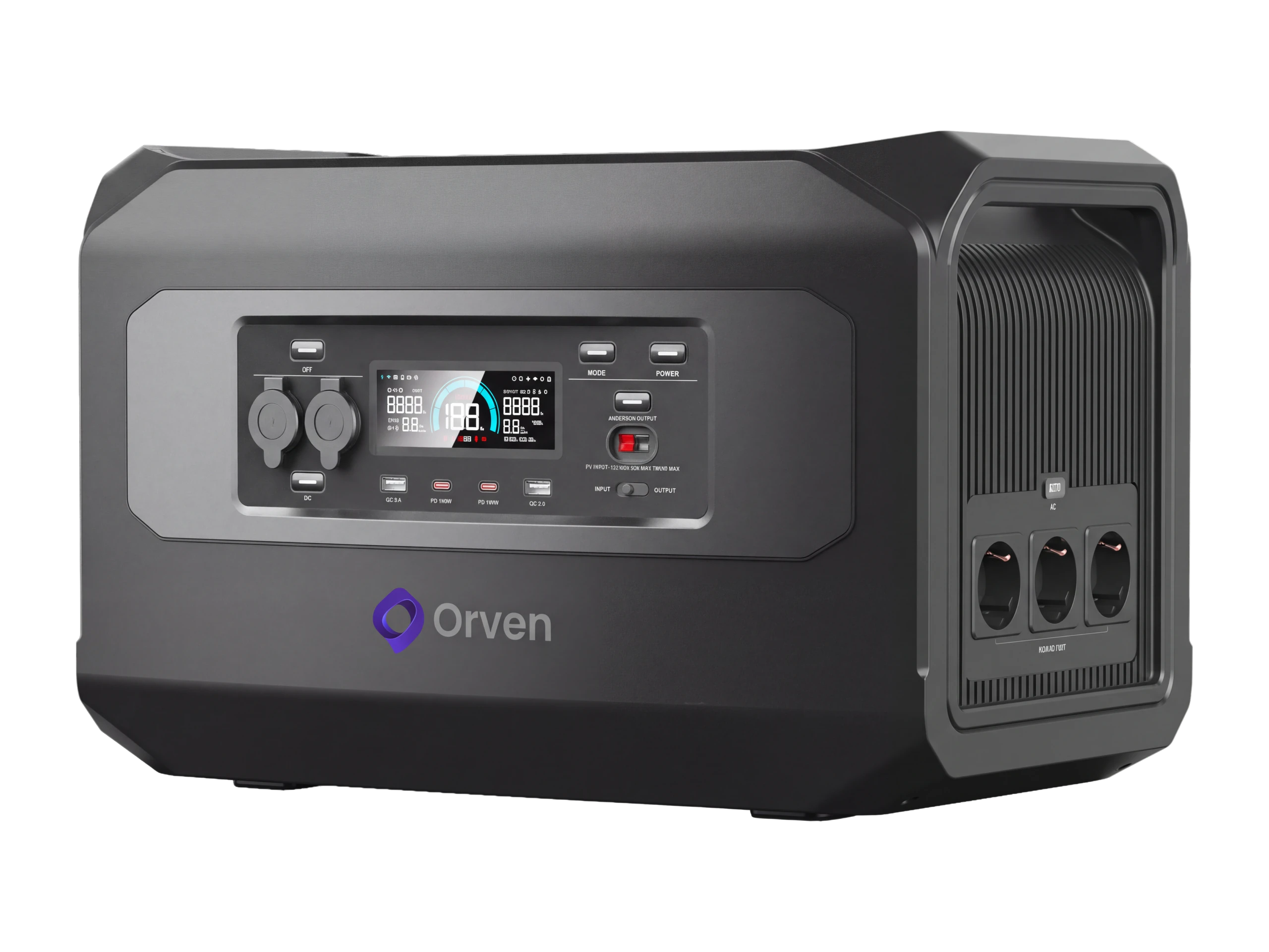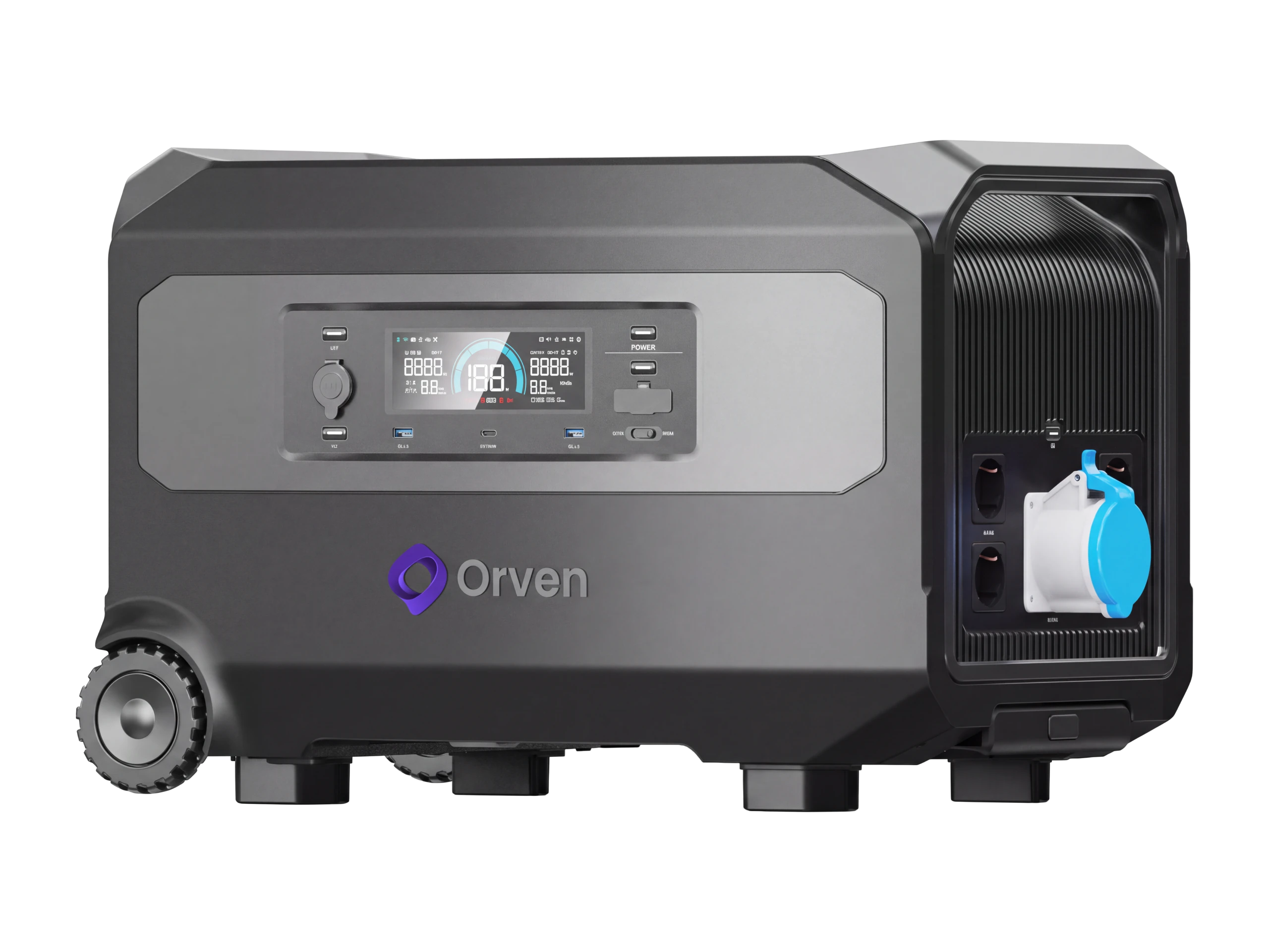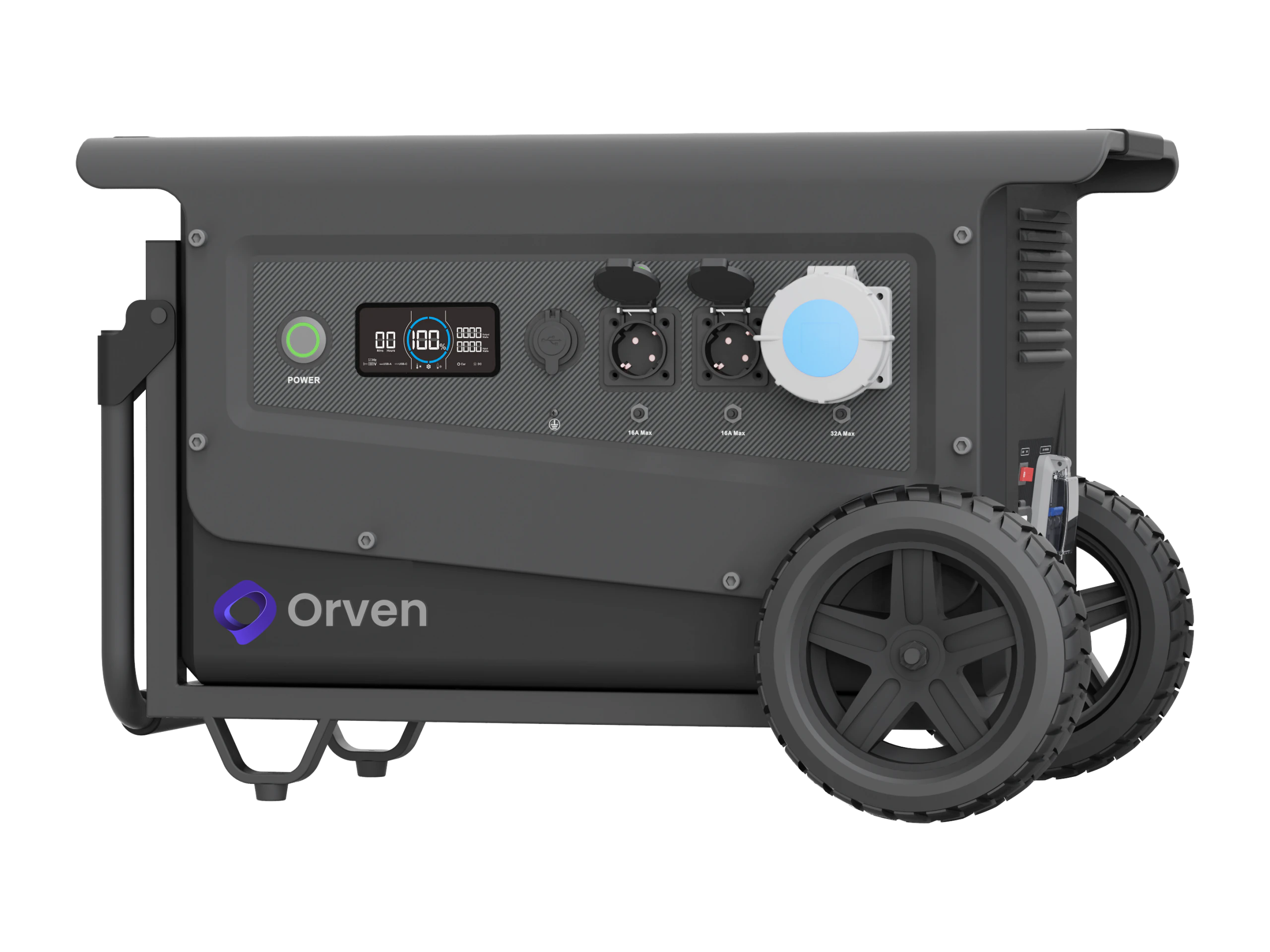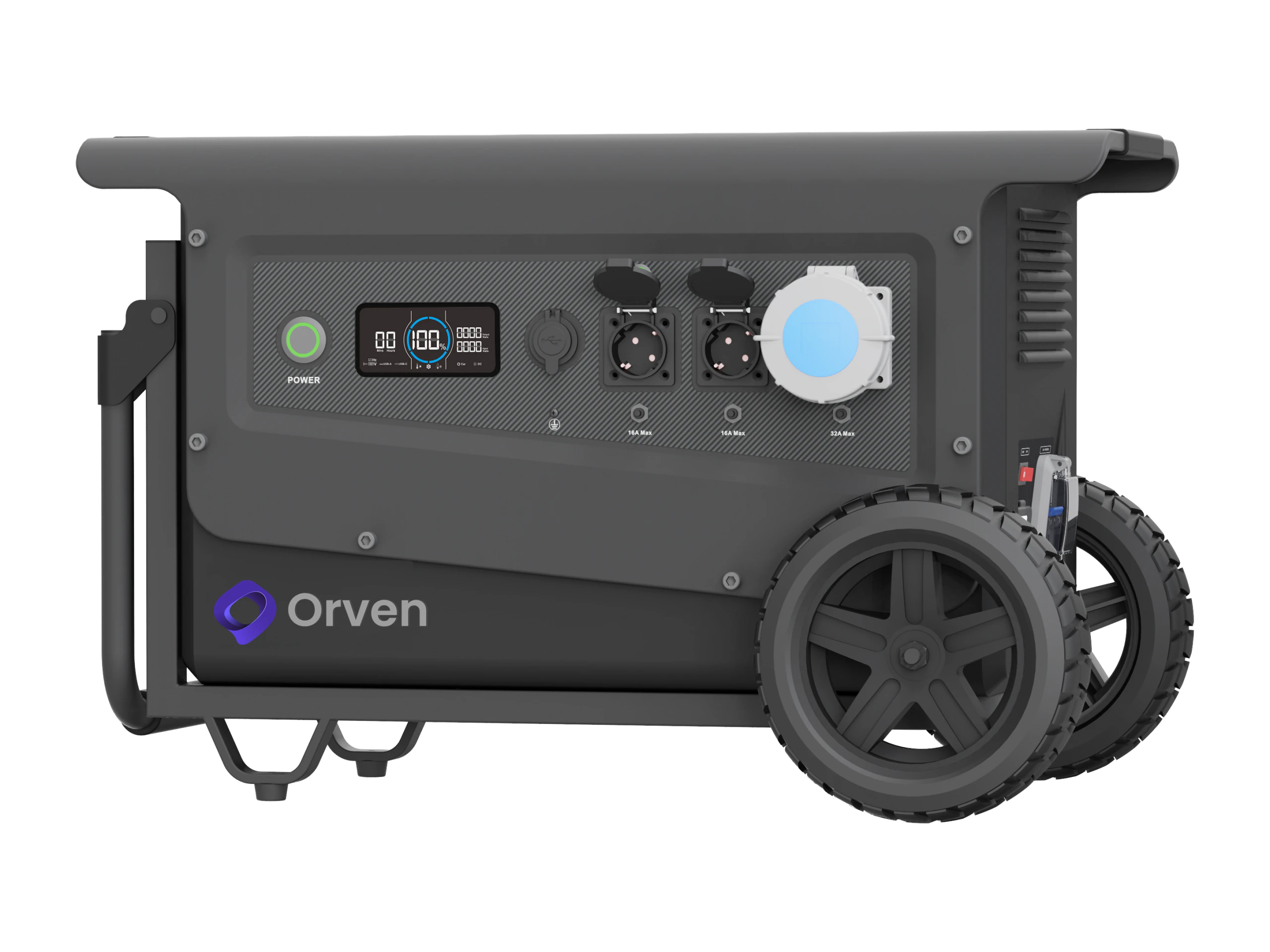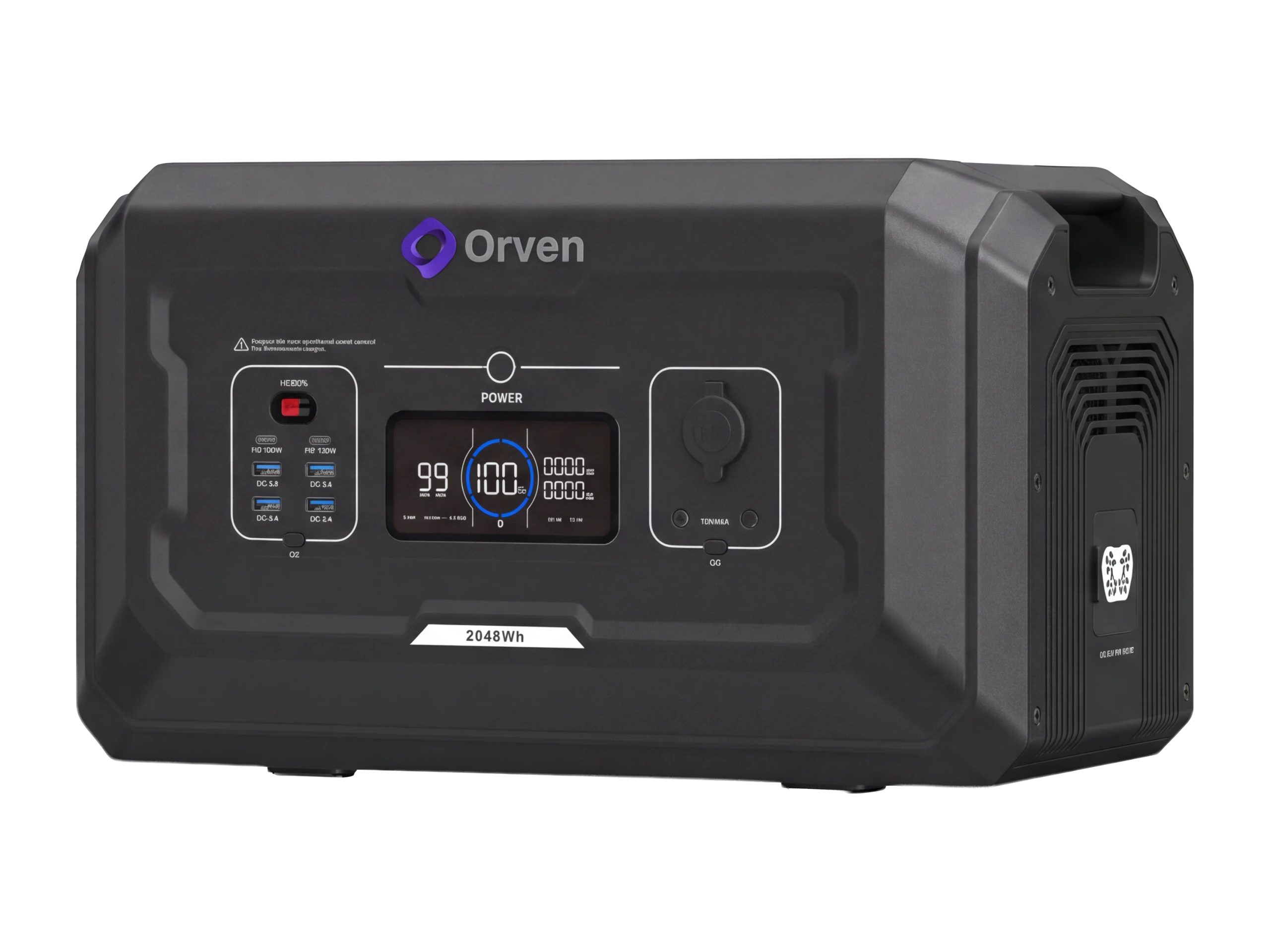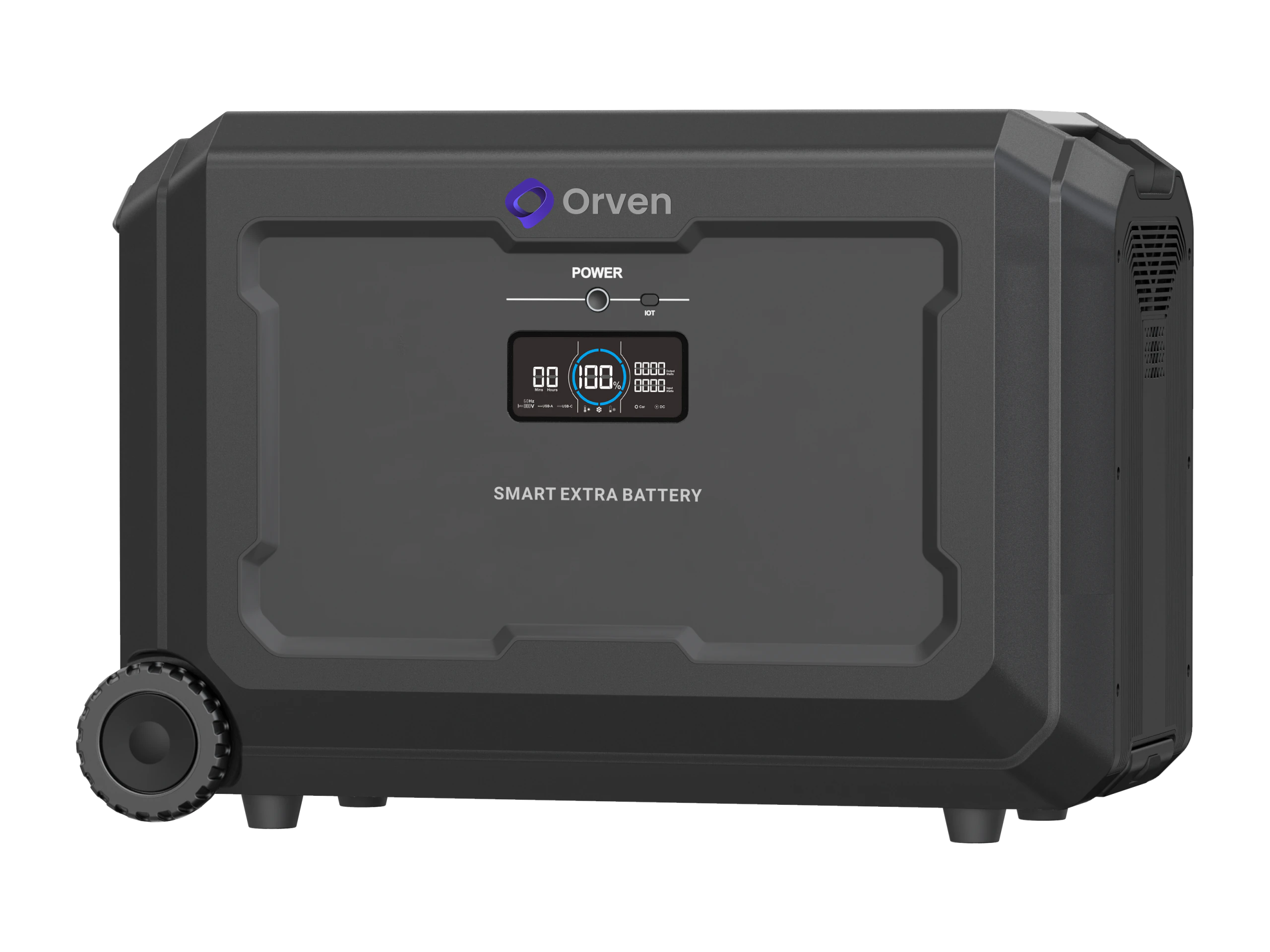
Orven Support
Product Support Center
Installation, usage, troubleshooting, documentation and service processes — all in one place.
Show me available resources:
Guides & Downloadables
Document type
Orven Battery User Manual
Orven Inverter User Manual
Orven Quick Start
Orven Technical Datasheet
Orven Application Guide
Orven Firmware Notes
No document matches this search. Check the dictionary below for the error code or problem you are looking for.
Error Code & Problem Dictionary
If there is a burning smell, smoke or abnormal heating, turn off the device and contact the service .
Type the code shown on the display, the model name, or the problem you are having. Selecting your model above narrows results to that device — more precise, since the same code means different things on different models.
Service & Warranty
- 1 Request
- 2 preliminary evaluation
- 3 redirect
- 4 service
- 5 Posttest & information
Required information
Serial number, model, invoice date, error code, photo/video
Education & Videos
Field Security
Ventilation and environment
Use the devices under the temperature and ventilation conditions specified in the manual.
Unauthorized intervention
Safe opening and internal intervention should not be done outside the authorized service; warranty will be void.
electrical safety
Grounding and connections must be made by an authorized team.
Water/moisture/fire
Keep devices away from water, moisture and fire risk environments.
No-fuss support. Transparent process.
Find the documentation, try the quick steps, open a service ticket if necessary.